
Book appointments at the till with Shopify POS
Most Shopify booking apps treat POS as an afterthought or a premium add-on. Booking Slot's POS booking calls the exact same availability and hold endpoints the storefront uses, so a walk-in booked at the counter is checked against the same calendar in the same second.
The problems this solves
- Desk bookings kept in a paper diary or a separate app
- POS gated behind a £200 a month tier
- A customer at the counter and a customer online both get 2pm
- Multiple bookings in one till transaction not supported
How Booking Slot handles it
One engine, two doors
POS and storefront share availability, holds and buffers. There is no sync step to go wrong.
Several bookings per basket
Book a family of four into a class, or a cut and a colour, in one POS transaction.
Included on Growth
POS booking is on Growth (£39.99) and Pro, not a separate charge.
Works offline-first for the sale
If our servers are unreachable the POS shows an error rather than a guess. No booking is ever created on stale data.
Why the counter is where booking apps fall over
Most Shopify booking apps were built for a website. The till was added later, if at all, and it shows.
You see it in three ways. Some apps have no POS extension at all, so your front desk is back to a paper diary and your two systems disagree by lunchtime. Some have one but put it on a tier priced for chains, which prices out exactly the independent shops that have a counter. And some have one that works but keeps its own availability, syncing to the website every few minutes.
That last one is the dangerous version, because it looks fine until the day it is not.
A till that syncs to the website every few minutes is a till that can sell a slot the website sold four minutes ago.
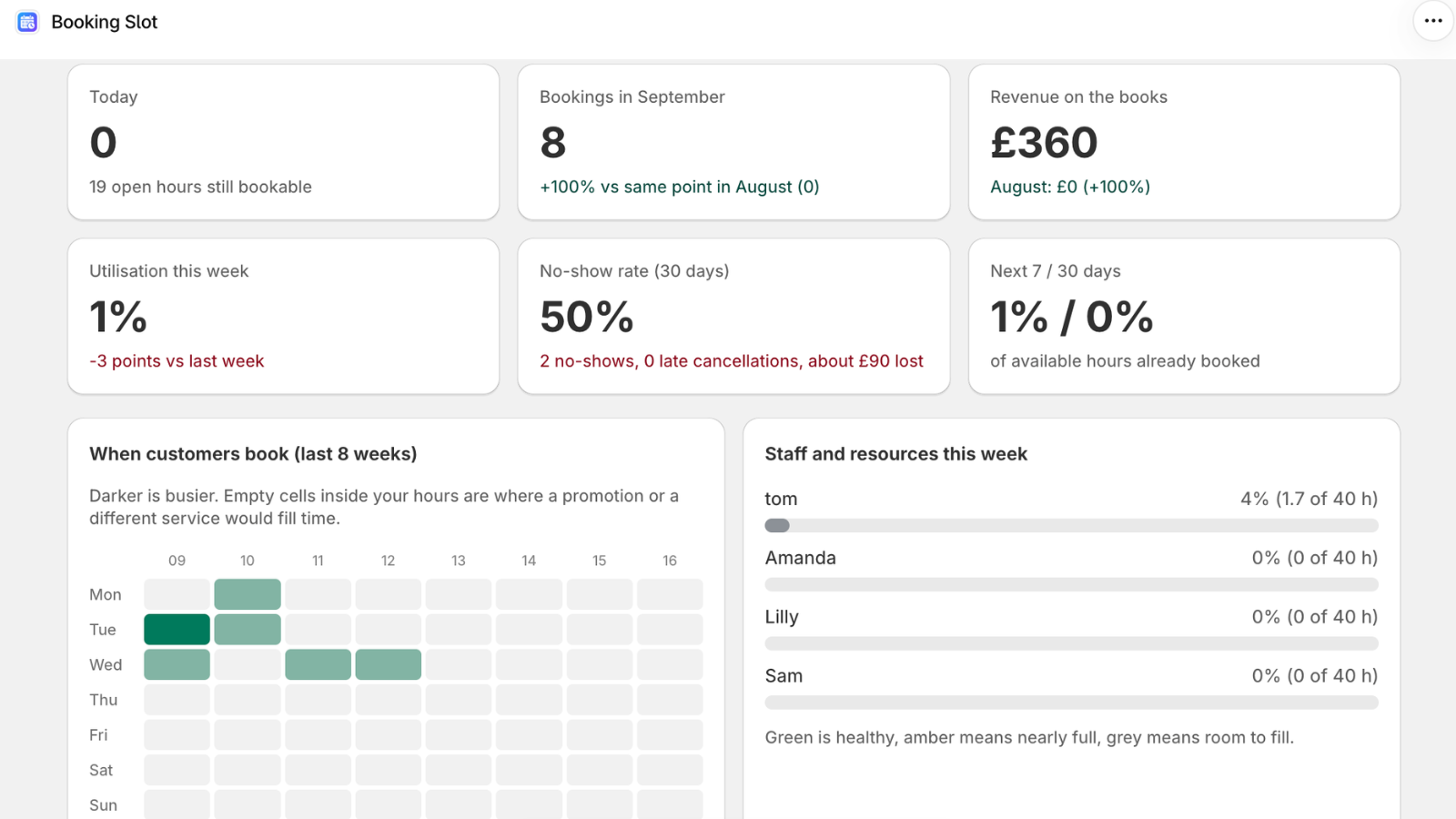
How Booking Slot's till booking works
The POS screen is a Shopify POS UI extension, which means it lives inside the POS app on whatever device your counter uses: an iPad at reception, a phone in a pocket, a full till.
When your member of staff opens it, it asks the server for availability using the identical endpoint the product page uses. When they pick a time, it creates a hold in the identical transaction. Completing the sale in POS confirms the booking exactly as a Shopify checkout does online.
The booking then appears in the Calendar alongside the online ones, indistinguishable, because it is the same kind of record.
Several bookings in one transaction
This sounds like a small thing and is not. Consider the situations your counter deals with in a normal week.
A parent comes in with three children and wants all three cut this Saturday. A couple want two treatments back to back. A group wants a court for the same hour every week for a month. A regular wants their usual plus their partner's.
If the app forces one transaction per booking, your staff do four separate sales, the customer taps their card four times, and your till reconciliation at the end of the day is a mess. Booking Slot lets several bookings go through one POS basket, which is how the shop actually works.
What happens when the network drops
Your wifi fails, or our servers are briefly unreachable, and someone is at the counter wanting Thursday at ten. What the app does next matters more than any feature.
Booking Slot shows an error. It does not fall back to a cached list, it does not guess, and it does not create a booking it cannot verify. Your member of staff takes the customer's number and rings them back.
That is the less impressive-sounding option and it is the right one. An app that completes the sale on stale data has sold a slot it has no idea about, and you will discover the clash on the day with both customers in the shop.
Plans, devices and what is included
Booking at the till is included from the Growth plan at thirty-nine ninety-nine a month, along with group classes and Google Calendar. It is not a separate charge or an add-on.
It works with both Shopify POS Lite and POS Pro, so there is no need to upgrade your Shopify plan for it. Add the Booking Slot tile to your POS smart grid and it is there.
Staff can also see the day's bookings from the extension, which turns the till into the diary without anyone having to open the admin on a laptop out the back.
Questions about Shopify POS appointments
Which Shopify POS plans does it work with?
Both POS Lite and POS Pro. The booking screen is a Shopify POS UI extension, which is supported on either, so you do not need to upgrade your Shopify plan to book customers in at the counter. It runs on whatever device your staff already use, whether that is an iPad at reception, a phone in a pocket or a full till setup. Setup is adding the Booking Slot tile to your POS smart grid, which takes about a minute.
Can staff see the day's bookings from the till?
Yes. The extension includes a day view showing who is booked in, at what time and with which member of staff, so the till doubles as the diary. The same information is in the admin Calendar if you would rather look on a laptop, and both read the same records, so they cannot disagree. For a reception desk this is usually the most-used screen in the whole app: it answers the phone question of whether anything is free this afternoon without opening anything else.
Can a booking taken at the till include a deposit?
Yes. Take any amount through the normal POS sale and the balance is tracked on the booking exactly as it is for an online deposit. Settle the remainder later at the till by cash or card, or send a Shopify payment link if the customer wants to clear it beforehand. Because it goes through the standard POS transaction, the money lands in the same end-of-day reconciliation as everything else you sold that day, with no separate payment provider in the chain. Deposits are available from Starter upward.
Why is POS booking on Growth rather than the Free plan?
Free and Starter cover online bookings, and booking at the till arrives on Growth at £39.99 a month alongside group classes and Google Calendar. The reasoning is about who has a counter: a business taking bookings at a till almost always has staff and a shopfront, which puts it past the point a free tier is meant to serve. What we would not do is put it on an enterprise tier at a few hundred a month, which is the thing that pushes independent shops back to a paper diary and a weekly clash.
Try Booking Slot free on your store
Install in a few minutes, link one product and take a test booking. Free for one resource and 20 bookings a month, then flat pricing from £14.99.