
Taking appointment and class bookings on Shopify POS
If you have a counter you need to book people in at it. This guide covers how POS booking works with a booking app, why the sync question matters, and what to look for.
Step by step
Check the app has a POS UI extension
Some apps have none, some charge extra. Booking Slot's is on Growth and Pro.
Add the tile to POS
In Shopify POS, add the booking tile to your smart grid.
Book the customer
Choose the service, time and staff. The app checks the same availability as the website and holds the slot.
Take payment or a deposit
Complete the sale in POS. Payment confirms the booking exactly as online.
Check the Calendar
The booking appears alongside online bookings instantly.
The sync question, and why it decides everything
When you evaluate a booking app for the till, there is one question that matters more than any feature list: does the POS screen read the same availability as the website, in the same moment, or does it read a copy?
A lot of apps keep a separate POS store and reconcile it with the website every few minutes. In the gap between reconciliations the two systems disagree, and a few minutes is plenty of time for a walk-in at the counter and a customer on their phone to both take quarter past two. You find out when they both turn up.
The alternative is one engine with two doors. The till calls the same availability endpoint the product page calls, and creates the same kind of hold in the same database transaction. There is no window in which the two can disagree, because there is only one source of truth. Ask the vendor directly which model they use; the answer is rarely in the marketing copy.
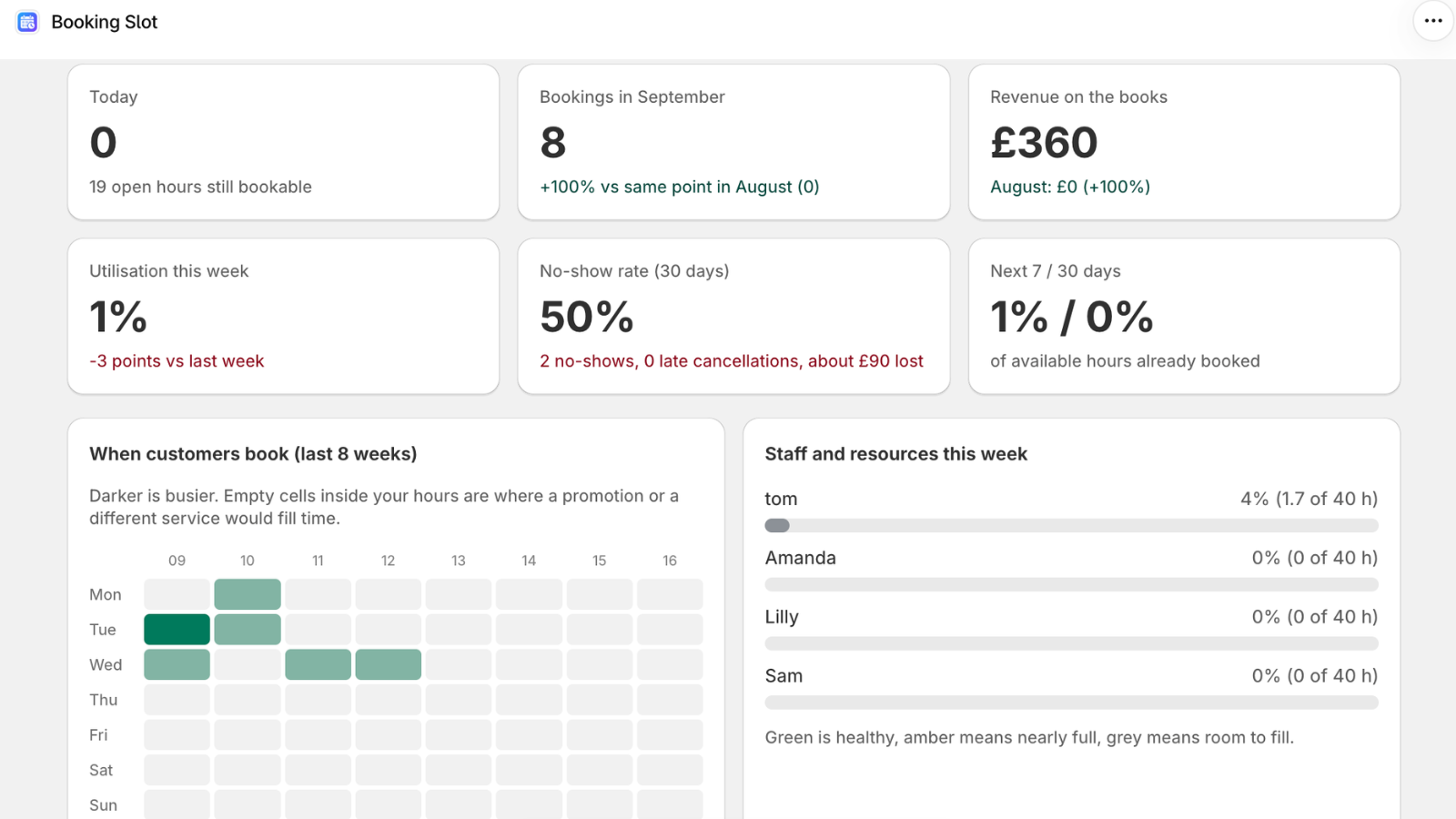
What a good till booking flow looks like
Three taps, not ten. Your staff are booking someone in while the phone is ringing and there is a queue, so the flow has to survive being done badly and fast.
Pick the service, pick the time, pick the person, done. The customer's details can be attached from the Shopify customer record if they are a regular, or typed in if not. Payment or a deposit goes through the normal POS sale, which means it lands in the same till reconciliation as everything else that day.
Several bookings in one transaction matters more than it sounds. A parent booking three children, a couple booking two treatments, a group booking a court for the season: if the app forces one transaction per booking your staff will stop using it within a week.
Offline, and what should happen when the network drops
This is the detail nobody tests until it bites. Your shop's wifi goes, or the booking app's servers are briefly unreachable, and a customer is standing at the counter wanting Thursday at ten.
The wrong behaviour is for the app to guess. An app that caches availability and lets the sale go through on stale data will cheerfully sell a slot that was taken twenty minutes ago, and you have no way of knowing until the clash appears.
The right behaviour is an honest error. Tell the member of staff that the booking cannot be checked right now, take the customer's number, and ring them back. One awkward moment is better than a double booking you discover on the day.
What it costs, and which POS plans work
Booking at the till is a POS UI extension, which works on both Shopify POS Lite and POS Pro, so you do not need to upgrade your Shopify plan to use it.
On Booking Slot it is included from the Growth plan at thirty-nine ninety-nine a month, along with group classes and Google Calendar. That is deliberate: a business with a counter is a business with staff, and gating the till behind an enterprise tier is the thing that pushes small shops back to a paper diary.
Questions about take bookings on Shopify POS
What if the app syncs to Google Calendar instead of using one engine?
Calendar sync is not a conflict check, and this is the most common misunderstanding in the whole category. Sync copies bookings from one system to another on a schedule, which means that for the seconds or minutes between copies the two systems disagree about what is free. A conflict check happens at the moment of writing, inside a transaction, and either succeeds or fails. Google Calendar sync is a useful convenience for your staff seeing their day in their own diary, but it is not what stops a double booking, and an app that offers it as the answer to the clash question is telling you something about its design.
Can I book several people in one transaction?
Yes. Booking Slot allows several bookings in a single POS basket, which covers a parent booking three children, a couple booking two treatments back to back, or a group booking the same court for several weeks. Each booking holds its own slot against its own resource, and they are all confirmed together when the sale completes. This matters more than it sounds: if an app forces one transaction per booking, your staff end up running four separate sales with four card taps and a messy till reconciliation, and they will quietly stop using it within a fortnight.
Does it need Shopify POS Pro, or does Lite work?
Both work. Booking at the till is a Shopify POS UI extension, which is supported on POS Lite as well as POS Pro, so you do not need to upgrade your Shopify plan to take bookings at the counter. Add the Booking Slot tile to your smart grid and it is there on whatever device your staff use, whether that is an iPad at reception, a phone, or a full till setup. On the Booking Slot side it is included from the Growth plan at £39.99 a month.
Can I take a deposit at the till?
Yes. Take any amount through the normal POS sale and the balance flow works exactly as it does online: the remainder is tracked on the booking, and you settle it later at the till or by sending a Shopify payment link. Because the deposit goes through the standard POS transaction, it lands in the same end-of-day reconciliation as everything else you sold, with no separate payment provider involved. Deposits are available from the Starter plan upward.
Try Booking Slot free on your store
Install in a few minutes, link one product and take a test booking. Free for one resource and 20 bookings a month, then flat pricing from £14.99.